





[Release] Elite PK2 Manager - Modern PK2 Editing & Extraction Tool
SRO client modifications rely heavily on
Developed exclusively for EliteCommunity by Valuex, the Elite PK2 Manager solves these fundamental issues. It provides a stable, fast, and highly intuitive environment designed specifically for modern PK2 management and client development.
Core Features
Elite PK2 Manager is engineered to streamline the development workflow with several key advantages over traditional tools:
Application Previews
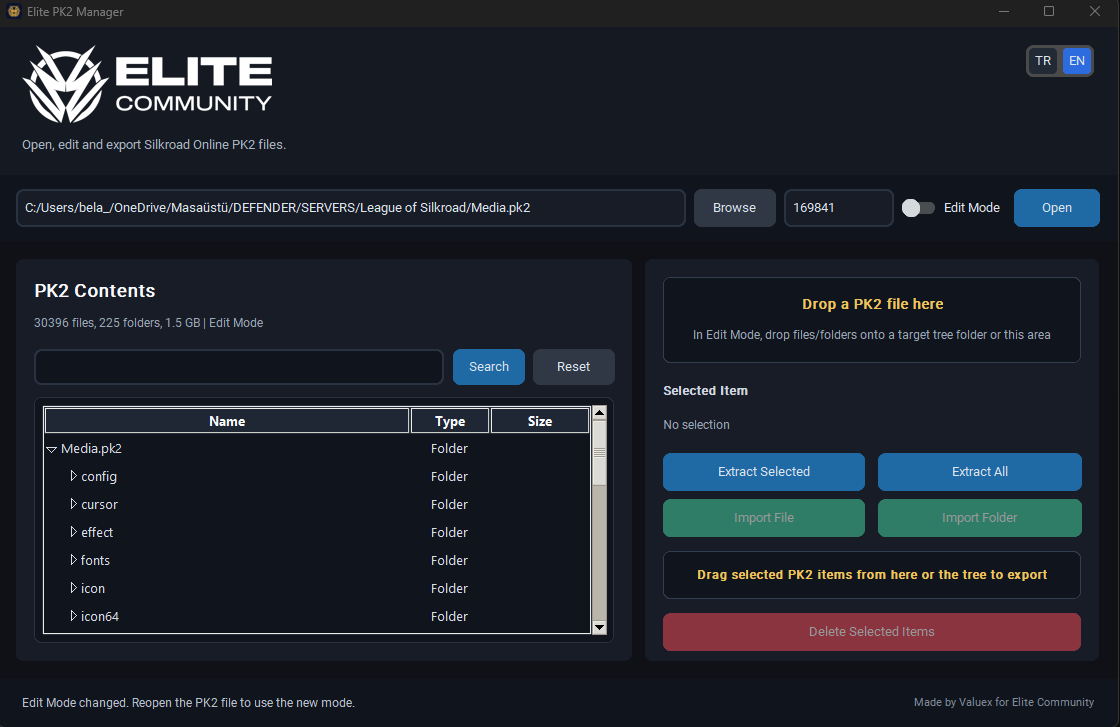
Edit Mode Disabled (Safe Inspection & Extraction):

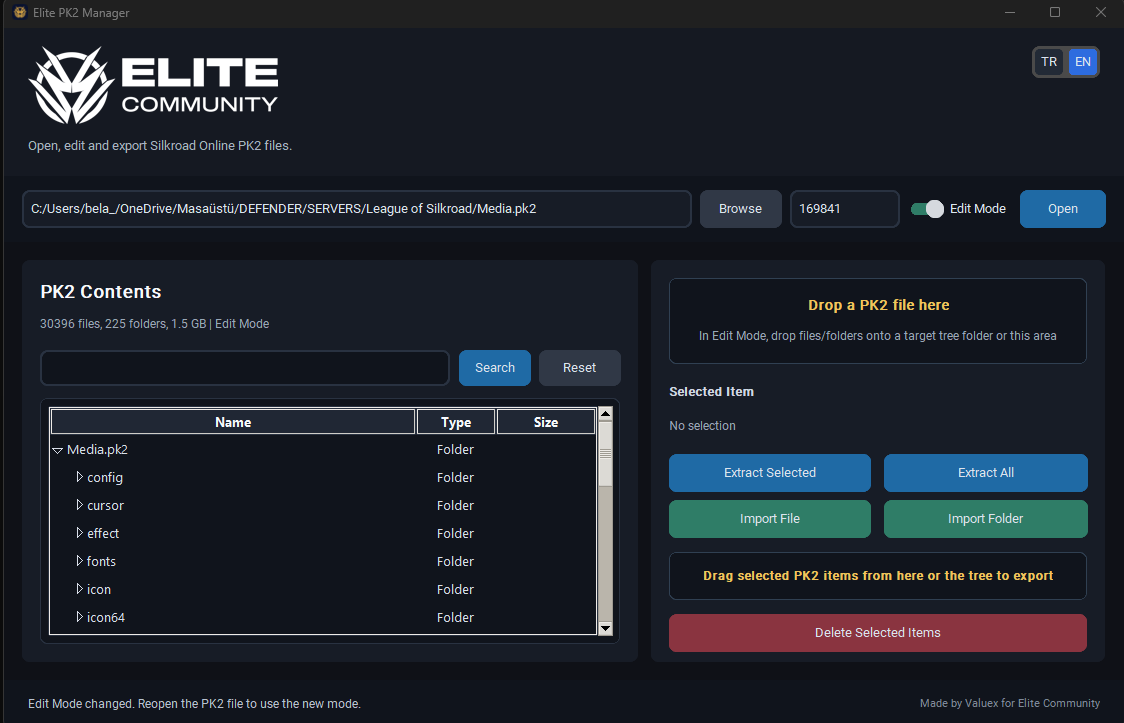
Edit Mode Enabled (Importing, Deleting & Modifying):

Usage Instructions
1. File Selection: Click the "Browse" button to locate your target
2. Blowfish Key: The standard Silkroad encryption key (
3. Operation Mode:
Please report any bugs, errors, or feature requests regarding the software directly in this thread.
SRO client modifications rely heavily on
.pk2 archive files. For years, community has utilized various extractors and editors to manage these assets. However, legacy tools often suffer from instability, outdated interfaces, and frequent crashes during bulk operations.Developed exclusively for EliteCommunity by Valuex, the Elite PK2 Manager solves these fundamental issues. It provides a stable, fast, and highly intuitive environment designed specifically for modern PK2 management and client development.
Core Features
Elite PK2 Manager is engineered to streamline the development workflow with several key advantages over traditional tools:
- Modern Interface: A clean, dark-themed UI designed for extended development sessions without eye strain.
- Bilingual Support: Instantly toggle between English (EN) and Turkish (TR) using the top-right interface buttons.
- Drag & Drop Integration: Seamlessly import or export files by dragging them directly between your Windows directories and the application workspace.
- Edit Mode Protection: To prevent accidental file corruption during simple inspections, PK2 modification is locked by default. The "Edit Mode" toggle must be explicitly activated to enable file imports and deletions.
- Advanced Search Engine: Instantly locate specific assets within massive archives (e.g., finding a single texture inside a 30,000+ file
Media.pk2). - Bulk Processing: Utilize one-click "Extract All" or "Import Folder" functions for rapid client compilation.
Application Previews
Edit Mode Disabled (Safe Inspection & Extraction):
Edit Mode Enabled (Importing, Deleting & Modifying):
Usage Instructions
1. File Selection: Click the "Browse" button to locate your target
.pk2 archive (e.g., Media.pk2, Particles.pk2).2. Blowfish Key: The standard Silkroad encryption key (
169841) is pre-filled. If your server utilizes custom PK2 encryption, input your unique key in this field.3. Operation Mode:
- Keep "Edit Mode" disabled if you only intend to browse or extract files.
- Toggle "Edit Mode" on if you need to import new assets or delete existing ones. (Note: Changing modes requires you to reload the archive by clicking the "Open" button).
Please report any bugs, errors, or feature requests regarding the software directly in this thread.


