




Hi Elites,
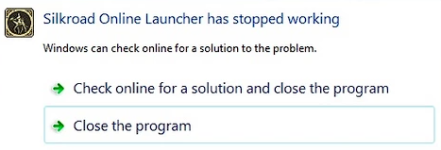
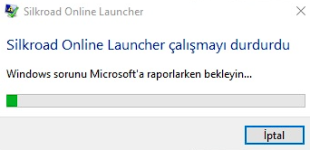
If you're experiencing this issue "SRO Launcher has stopped working", you can follow the instruction in this thread.
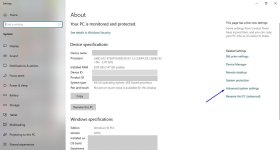
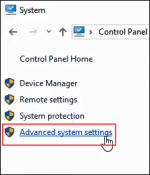
1) Click System and Security > System > Advanced System Settings.
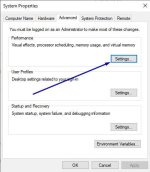
2) Once you are on the Advanced tab click Performance Settings.
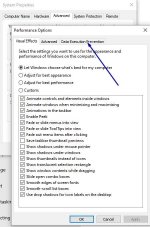
3) Click the tab called Data Execution Prevention.
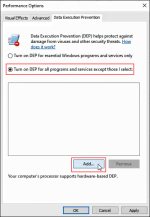
4) Select Turn off DEP for all programs and services except those I select: and add all your .exe files in your SRO folder.
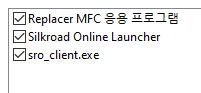
(replacer.exe, silkroad.exe, sro_client.exe)
5) Click Apply and restart your computer.
6) Have fun!
If you're experiencing this issue "SRO Launcher has stopped working", you can follow the instruction in this thread.
1) Click System and Security > System > Advanced System Settings.
2) Once you are on the Advanced tab click Performance Settings.
3) Click the tab called Data Execution Prevention.
4) Select Turn off DEP for all programs and services except those I select: and add all your .exe files in your SRO folder.
(replacer.exe, silkroad.exe, sro_client.exe)
5) Click Apply and restart your computer.
6) Have fun!


